Crisis Response Sandbox 8 Verbal Commands
Developer notes for Sandbox 8 highlight verbal commands plus small blood and dismemberment tweaks — practice them as control literacy, not flavor text.
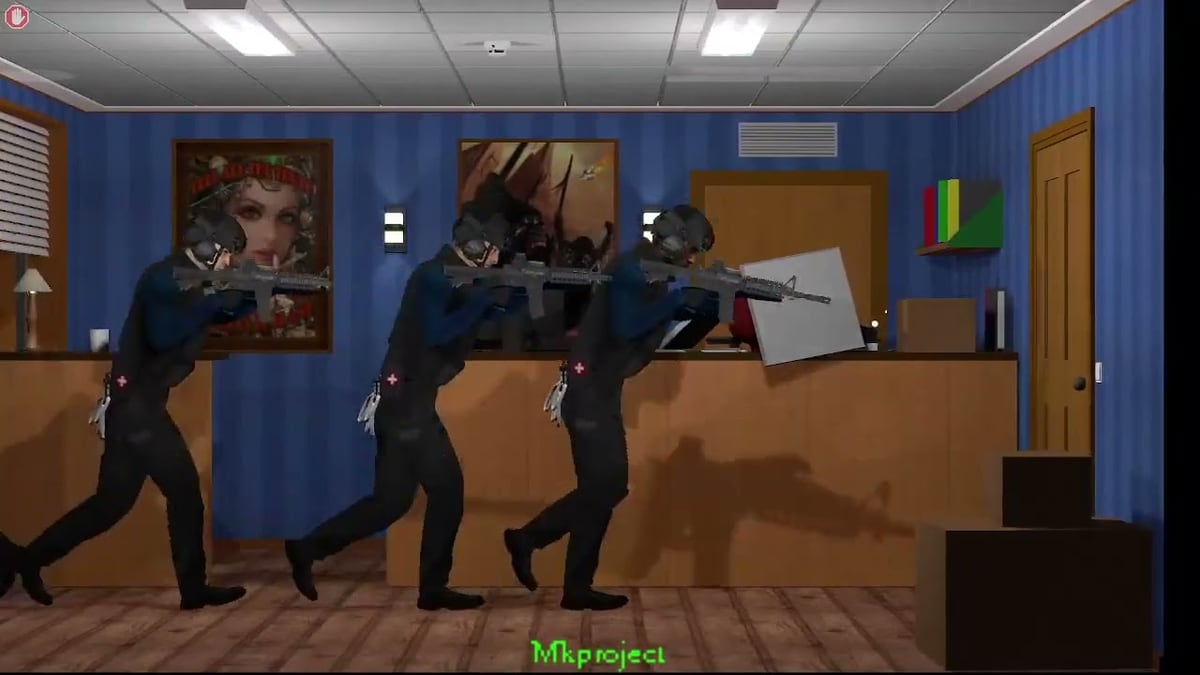
Sandbox 8 developer notes on ModDB/IndieDB call out verbal commands as a headline feature, alongside slight blood-mechanic changes and continued dismemberment work. This page turns that listing into a practice guide so players do not treat voice-style stack orders as optional chrome.
Confirm you actually own a Sandbox 8-class build via Sandbox Versions before you hunt for menus that older demos never shipped.
Why verbal commands matter
Crisis Response is a commander fantasy. If you can only move bodies and never shape teammate initiative, you are playing a loner shooter inside a team sim. Verbal commands exist to push the stack without abandoning your own aim lane — pair them with Keyboard and Mouse comfort and Bullet Time for reading rooms.
How they sit beside marksman tools
- Verbal commands — shape the entry team’s behavior in Sandbox 8-era builds.
- Marksman AI orders — specialized overwatch language on AI Orders.
- Manual marksman control — you pilot the rifle on Manual Control.
Do not confuse the three. A verbal “hold / move / clear” style habit does not replace a dedicated marksman lane.
Practice loop (fifteen minutes)
- Boot Sandbox 8 (or the newest official sandbox that lists verbal commands).
- Enter a room with weapons holstered — issue only movement/hold style commands.
- Add one live doorway with Entry Planning rules.
- Allow bullet time once to verify the stack actually obeyed.
- If a wound clock starts, abort and treat — Injury and Medical.
Blood and dismemberment sidenote
Sandbox 8 also mentions small blood and dismemberment adjustments. Read gore as state via Wound FX, and keep frame pacing honest with Performance Settings. Verbal commands fail when FPS hitching eats your input window.
Common mistakes
- Spamming commands while nobody has angles — noise without geometry.
- Issuing aggressive clears into uncleared hostages — re-read Hostage Rescue.
- Ignoring marksman overwatch because “I have verbal commands now.”
- Practicing on Sandbox 7 while following Sandbox 8 tips — version mismatch.
Video context
The embedded sandbox footage is a Crisis Response practice reference. Use it to pace doorway work; verify verbal-command availability against your own installer’s ModDB notes.
Deep dive unique to Verbal Commands
Success for this page is one doorway where a spoken/stack order changes teammate position before you fire. If commands do nothing, you are on the wrong build generation — return to Sandbox Versions instead of rebinding everything.
Decision checklist
- Confirm Sandbox 8 (or verbal-command-listed) build identity.
- Confirm basic movement bindings first.
- Issue one command, wait for motion, then aim.
- Abort for medical clocks without spam-clicking orders.
- Only then combine with marksman AI or manual control.
Hand-offs
Controls hub → Controls Hub. How to play loop → How to Play. Failed runs → Failed Clears. Demo setup → Demo Checklist.
Verbal-command study tip unique to this route: after a Sandbox 8 boot, run one silent room where you may fire only after a successful stack move order. Log the build name in verbal-cmd-[installer].txt so Sandbox 7 notes cannot overwrite Sandbox 8 lessons.
Frequently Asked Questions
Quick answers to the most common questions.
Do all Crisis Response demos include verbal commands?
No. Developer notes highlight them for Sandbox 8. Confirm your download listing.
Are verbal commands the same as marksman AI orders?
No. Marksman orders are a separate overwatch system documented under Marksman.
What else changed in Sandbox 8?
Notes also mention slight blood changes and continued dismemberment work — see Wound FX.
Should I learn verbal commands before ballistics?
Learn basic movement and a careful clear first, then add commands so you are not shouting into a room you cannot read.